Protect your credit cards directly from your phone
By downloading the SecurLOCK Equip app you have the ability to:
Turn your credit cards off and on.
Control where your credit cards can be used.
Receive instant alerts about your credit card usage.
Check out all of the app features in the video below!
Downloading the SecurLOCK Equip app is fast and it’s free!
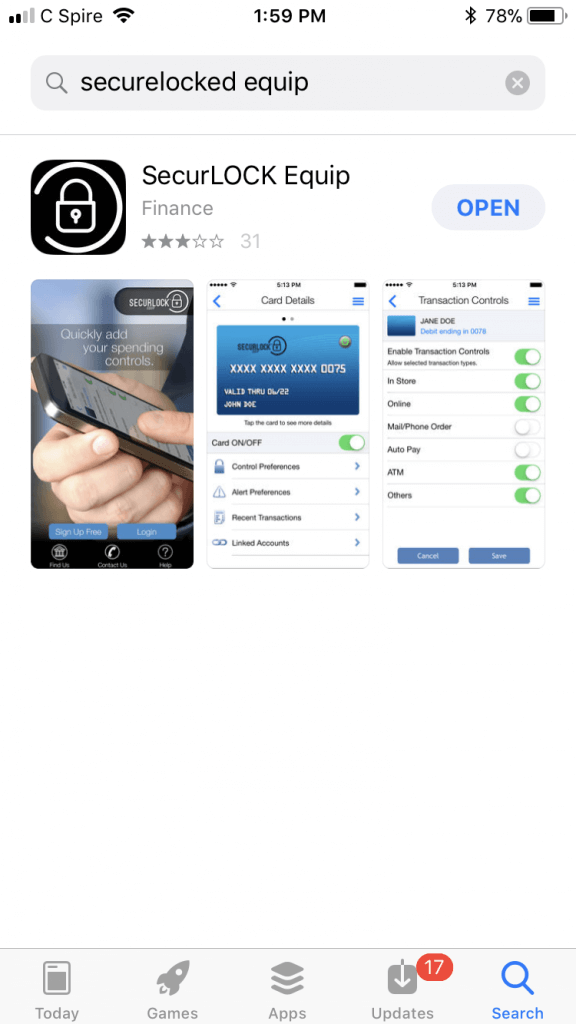
Step 1 — Open the Apple® App Store® or Google Play™ store and search for SecurLOCK Equip.
Step 2 — Download and open the application on your phone or tablet device.
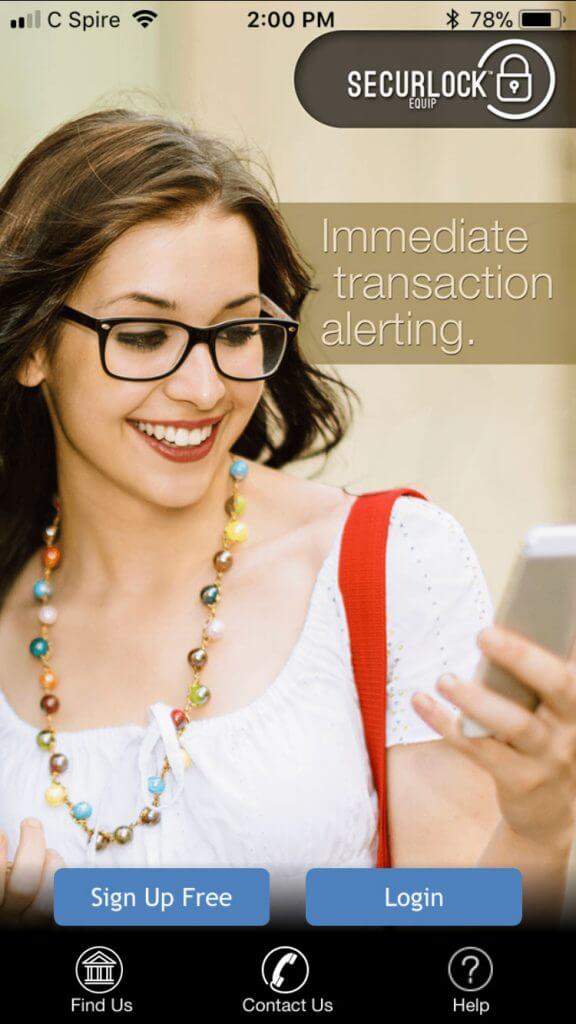
Step 3 — Register as a new user, or login if you already have a username and password.
If you are registering as a new user, you must register at least one credit card and authenticate the card ownership.
Some benefits of using the SecurLOCK Equip app include:
Viewing credit card details and transactions.
Receiving alert notifications set to your preferences.
Reducing fraud by having complete control over your credit card at your fingertips.
Make your phone the key to your location-based transactions. With SecurLOCK Equip, when you set your location settings to “My Location” your credit card will not work unless your phone is within 8 miles of it.
Please contact your local branch for more information, or download the application and try it out today!
The link you are attempting to follow is outside our domain. We do not provide, and are not responsible for,
the product, service, or overall website content available at any third-party website that is linked through
this browser.
If you agree to these terms select 'Continue' below. If you disagree please click 'Cancel' and this box will
close.
You are leaving the Guaranty Bank website and will enter a third-party site. We are not responsible for the content or privacy practices of that site. Click “Accept” to leave our website or Cancel.
You are leaving the Guaranty Bank website and will enter a third-party site. We are not responsible for the content or privacy practices of that site. Click “Accept” to leave our website or Cancel.
You are leaving the Guaranty Bank website and will enter a third-party site. We are not responsible for the content or privacy practices of that site. Click “Accept” to leave our website or Cancel.
You are leaving the Guaranty Bank website and will enter a third-party site. We are not responsible for the content or privacy practices of that site. Click “Accept” to leave our website or Cancel.
By clicking “Apply Now,” you will leave Guaranty Bank’s website and enter a third-party site. We are not responsible for the content or privacy practices of that site. Click “Accept” to leave our website or Cancel.